Global point of care

Global point of care
Software version 21.16 enables customers using connectivity to automatically transmit patient and control results to their LIS/HIS/EMR systems.* This automation improves workflow by eliminating the need to press the green checkmark to transmit results.
*Auto-Send requires a middleware or LIS/HIS/EMR system that supports this functionality via the POCTIA communication protocol. For compatibility information, please contact your connectivity provider or Abbott representative.

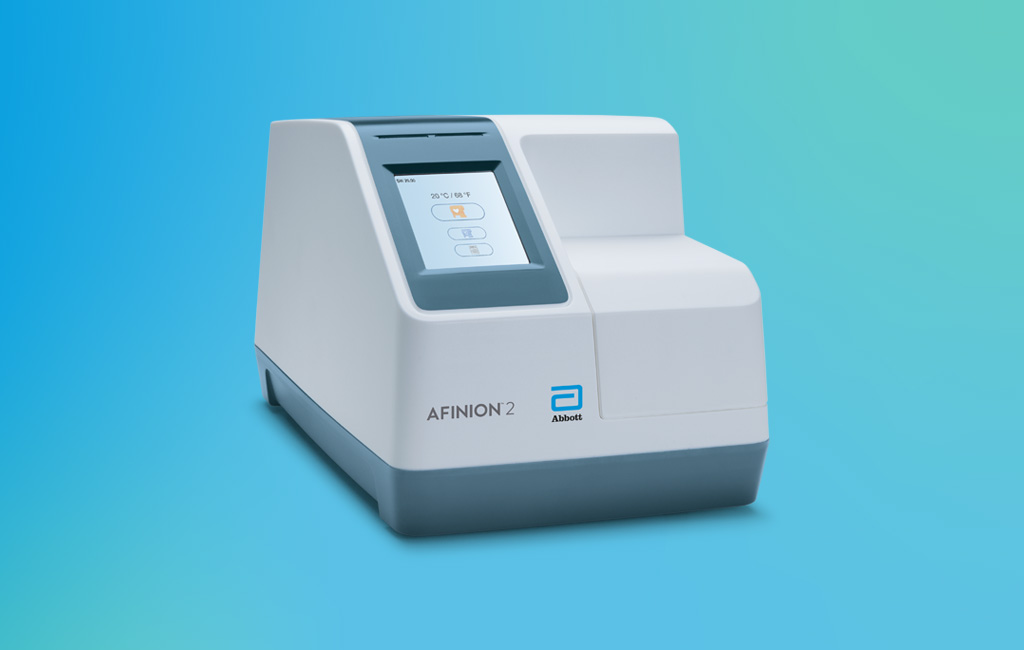
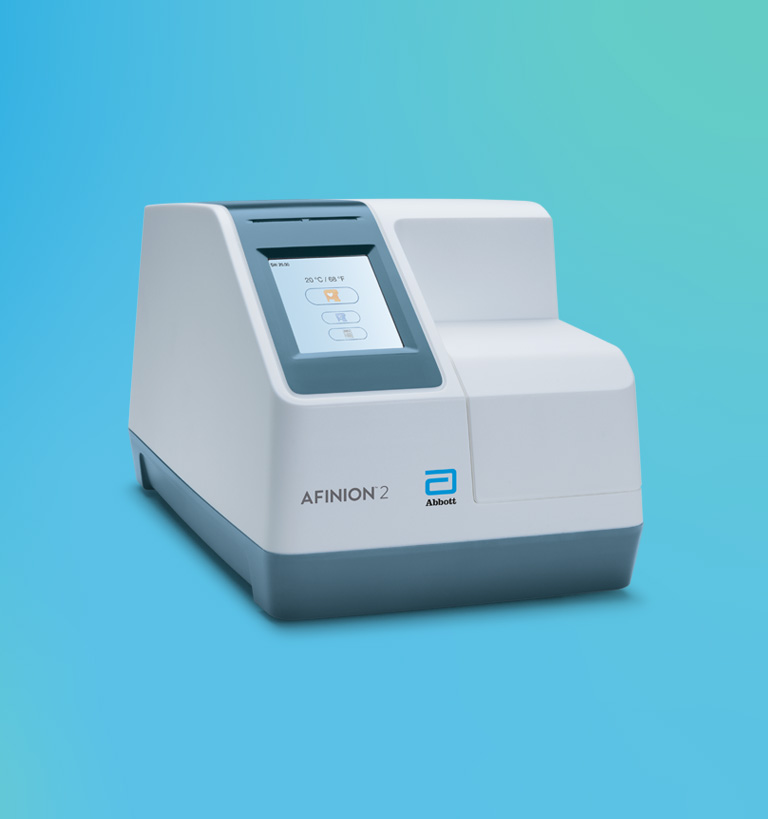

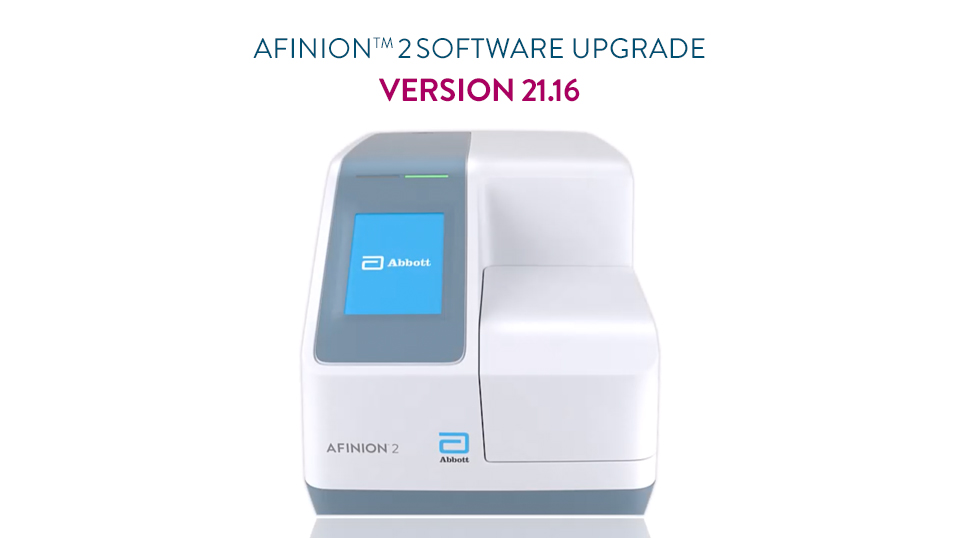
Software download available for Afinion 2 analyzers on all software versions.
Software update not applicable to the Alere AS100™ analyzer. The current AS100 software is 7.05. To upgrade AS100 analyzers on software 7.04 and lower to the latest version, please contact your local customer service center to order a pre-loaded compatible USB.
©2026 Abbott. All rights reserved. Unless otherwise specified, all product and service names appearing in this Internet site are trademarks owned by or licensed to Abbott, its subsidiaries or affiliates. No use of any Abbott trademark, trade name, or trade dress in this site may be made without the prior written authorization of Abbott, except to identify the product or services of the company.
This website is governed by applicable U.S. laws and governmental regulations. The products and information contained herewith may not be accessible in all countries, and Abbott takes no responsibility for such information which may not comply with local country legal process, regulation, registration and usage.
Your use of this website and the information contained herein is subject to our Website Terms and Conditions and Privacy Policy. Photos displayed are for illustrative purposes only. Any person depicted in such photographs is a model. GDPR Statement.
Not all products are available in all regions. Check with your local representative for availability in specific markets. For in vitro diagnostic use only. For i-STAT test cartridge information and intended use, refer to individual product pages or the cartridge information (CTI/IFU) in the i-STAT Support area.
Abbott - A Leader in Rapid Point-of-Care Diagnostics.